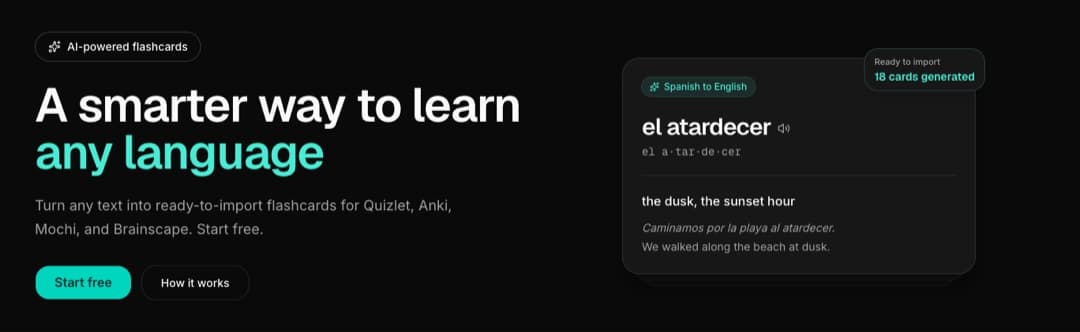
Almost no one quits a language because the words are too hard. They quit because the work around the words is too much. You find a list of vocabulary, and now you have to type each term, translate it, write an example, get the formatting exactly right for whatever app you study in, and import it without breaking a column. By the time the deck is ready, the motivation that started it is gone. NextLang exists to remove that step: describe what you want to learn, snap a photo, or drop in the whole chapter as a PDF, pick two languages, and get a clean, correctly formatted, import-ready set in seconds.
Nobody quits because the words are hard
This is not a learning problem. It is a production problem. Making a good flashcard is slower than studying one, so the deck never gets made - and a deck that never gets made teaches you nothing.
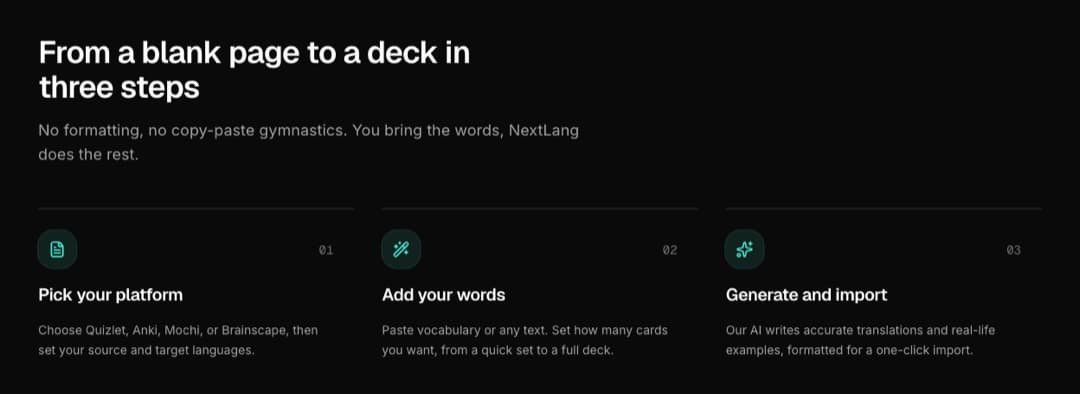
I kept watching the same failure: the intent was there, a real list of words to learn was sitting right in front of someone, and the thing that killed it was the hour of typing and reformatting between the list and the first review. The vocabulary was never the bottleneck. The busywork was. So NextLang is built around a deliberately small promise - prompt to deck in seconds - because that is the exact moment where people give up.
You give it a plain-language description. "The 15 most common Spanish kitchen verbs." A paragraph you are reading. A grammar point you want broken down. You pick the language you are learning from and the language you are learning into, set your CEFR level from A1 to C1 so the words come back pitched where you actually are, choose how many cards you want, and it builds the set and shows it to you to review before you export. You never get more cards than you asked for, duplicates are stripped before the set reaches you, and if a topic is too narrow to fill the count, it hands you the cards that are actually good and refunds the credit when the shortfall is large (up to three automatic refunds a day). Twenty-seven solid cards beat thirty with filler.
A deck is not final once it is saved, either. From its page you can grow it in steps of up to 30 new cards, one credit per step, up to 200 cards in total, and the cards it already holds are left out of the request, so what comes back is new material rather than repeats in a different order.
Four apps, four formats, one misplaced separator
It gets worse the moment you study across tools. Quizlet wants term-definition pairs. Anki wants tab-separated fields and a header row. Mochi takes Markdown or CSV. Brainscape has its own shape. The vocabulary is identical; the formatting is four different chores, and one misplaced separator means a failed import and ten minutes of hunting for the broken row.
NextLang knows each shape and writes the file to match it:
type Platform = "quizlet" | "anki" | "mochi" | "brainscape";

// the same vocabulary, four correct shapes - the file imports cleanly the first time
const formatFor: Record<Platform, ExportFormat> = {
  quizlet: { ext: "txt", shape: "term + separator + definition" },
  anki: {
    ext: "tsv | csv | apkg",
    shape: "selectable fields, optional header, native tags",
  },
  mochi: {
    ext: "csv | md | mochi",
    shape: "configurable separators, quoting, delimiters",
  },
  brainscape: { ext: "csv | txt", shape: "front / back with your separator" },
};
Separators, delimiters, output format, header rows, Anki fields like example sentence and part of speech - all of it is tunable, and you can tick "remember my settings" so your choices come back pre-filled per platform next time. Special characters, accents and non-Latin scripts are escaped correctly, so the import never breaks on a comma or a quote. The output is not a rough draft you clean up. It is the finished file. Download it, import it, study.
The package, not the CSV
Then it goes one step further than a text file. Anki sets download as a real .apkg package and Mochi sets as a native .mochi - both built right in your browser, no add-on and no extra tool. Your selected fields become real Anki note fields and your tags become native Anki tags, so you double-click the file and the deck opens fully structured, with no field-mapping step at all. The .mochi imports as a complete deck the same way, and the .apkg happens to open in Mochi too, so an Anki package doubles as a second route in.
The part I am most pleased with is that the audio travels inside the package. Every card can be pronounced by a neural voice in the language you are learning, and both native packages carry those mp3 files with them - so the cards keep speaking after they leave NextLang, in the app you actually study in, with no TTS add-on to install and no Mochi Pro required on your side. As far as I know, nothing else hands you an already-speaking .mochi.
Anki and Mochi decks can also come out as cloze cards instead of word pairs: a natural sentence in your target language with one word hidden and the full translation underneath, delivered as each app's own native cloze type - Anki's Cloze note type, Mochi's {{...}} syntax - so the blank works inside your study app, not only on my page.
A photo is a prompt. So is a PDF
Sometimes the fastest prompt is not words at all. A page from a textbook, a restaurant menu, a street sign, a diagram, a screenshot of an article - anything you can photograph becomes a deck without typing.
Upload a JPEG, PNG or WebP up to 3 MB, or press Cmd+V to paste a screenshot straight from the clipboard so it never touches your disk, and the vision model reads the image and pulls out the vocabulary actually worth learning from what it sees. A PDF works the same way, up to 10 MB and 30 pages: the model reads both the text layer and a rendered view of every page, so digital exports, scanned chapters and phone-scanner photo-PDFs all behave identically and there is no OCR step to fail. Files that are too big, too long or password-protected are rejected up front, and a rejected file never costs a credit.
Twenty languages, in any direction
The pair you need is rarely English to something. NextLang generates cards across 20 languages in any direction, so it builds a Japanese-to-Spanish deck as readily as English-to-French, with Arabic, Chinese, Korean, Hindi, Bengali, Polish, Ukrainian, Turkish, Urdu and Vietnamese among the rest - not as a roadmap, but as what it does today. For each card the model does the slow work that makes a deck worth reviewing: a clean translation, a natural example sentence, the part of speech, and the alternate meanings where they matter.
That breadth is also where formatting usually breaks. Non-Latin scripts and accents are exactly what turn a sloppy export into a failed import, which is why the file is escaped per platform instead of dumped as plain text. All four generators run on the free tier, in every language pair - what a purchase unlocks is what comes out: the ready-to-import files, a bigger deck, image and PDF input, and publishing.
Studying should not wait for an import
The gap between "deck generated" and "actually studying" is usually an import step, so I removed that one too. Every set can be studied on the page as a proper flip-card deck: one card at a time, an animated flip, and a rating of "got it" or "still learning" that brings the shaky cards back around until the session is done. It is keyboard-first - space flips, arrows move and rate, A plays the pronunciation, S saves the word, F goes full-screen focus, Esc leaves - and the animation respects a reduced-motion preference.
That is where the product stopped being an export tool. Any card can be saved into My Vocabulary with one tap, or the whole set at once, and from there a five-box Leitner schedule takes over: a word you get right moves up a box and returns in 1, 3, 7 then 21 days, a word you miss drops straight back to the start and comes back the same day. "Learned" is reached, not toggled, and even learned words return every 21 days for maintenance. Sessions serve up to 20 due words, longest overdue first, so a review is a few minutes rather than an open-ended list. Words are grouped automatically into dictionaries by language pair, each with its own "Study · N due" badge.
And the vocabulary worth learning is usually the vocabulary you actually ran into - so you can paste in what you are already reading. An article, a transcript, a chapter up to 60,000 characters, or a subtitle file (.srt, .vtt, .sbv, .ass, .ssa, cleaned of timecodes and duplicate cues automatically) goes in, and what comes back is a checklist of the words worth keeping at your level - each in its dictionary form, with a translation and the real sentence from your text, plus its CEFR level. It skips what a learner at your level already knows and the international near-identicals your own language already gave you. One credit for the extraction, refunded if nothing usable comes back (again up to three automatic refunds a day); keeping the words is free. An episode of television leaves your player as a reviewed word list, and can leave the dictionary again as an .apkg with the audio embedded.
The parts that cost nothing to give away
Three pieces of NextLang are free on purpose, because they solve real problems next to the generator rather than inside it.
The Deck Gallery is a public library of decks that users generated and chose to publish - browsable with no account, filterable by platform and language pair, readable as full flip cards on the page, and downloadable as an .apkg or .mochi with the audio inside. A deck needs a descriptive title and at least ten cards before it can go up, and every page says plainly that these are user-generated and unreviewed. The fastest deck is the one that already exists.
The Phrasebooks Hub is the opposite of a generator: hand-vetted phrase packs for the situations everyone actually hits - the doctor's office, the Bürgeramt, the DMV, renting a flat, a job interview, a market haggle. Eight language pairs and 43 packs today, each written in the learner's own language, grouped by sub-situation, with notes on how a line is really said, who is speaking to whom where politeness decides the words, and a false-friends section for the traps specific to that pair. Sklep is a shop, not a crypt; embarazada is pregnant, not embarrassed. Reading is free and needs no account; one tap saves the whole pack into your vocabulary.
The converter tools are for people who already have the cards and just need the file to be the right shape. CSV, plain text, Excel and Quizlet exports become a ready-to-open .apkg; CSV becomes .mochi; an existing .apkg becomes .mochi; and an .apkg or a CSV can go the other way into Quizlet, as the tab-separated text Quizlet imports, since Quizlet takes pasted text rather than a file. It guesses the separators and the header row, shows a live preview, and every guess is a dropdown you can correct. Nothing is uploaded - the parsing and packaging happen in your browser tab. The one exception is Add Audio to Anki, which takes a deck you already own and gives every card a neural-voice recording, embedded in the file so it keeps working on AnkiMobile and AnkiDroid without a text-to-speech add-on.
Where the AI actually earns its place
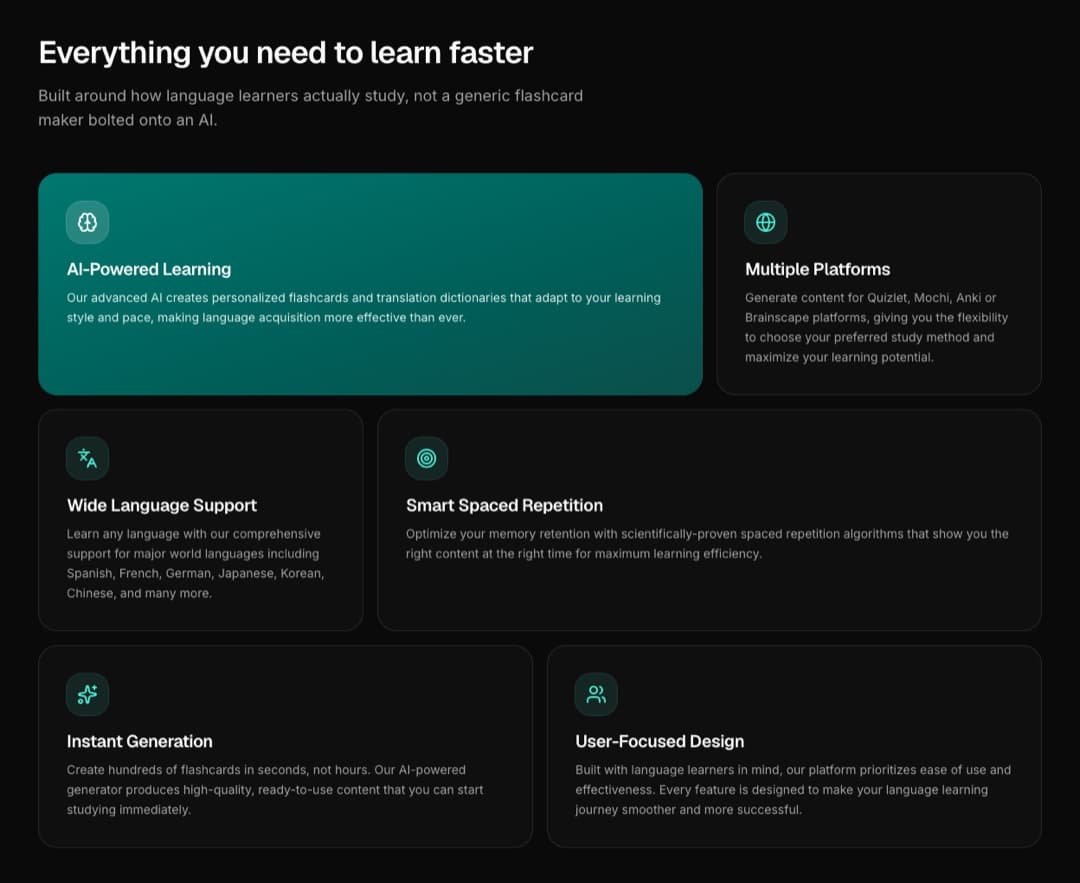
The lazy version of this product is a chat box that spits out text you reformat by hand. The whole point of NextLang is that the AI does the part that is genuinely slow - translating, finding good examples, categorizing, reading a photo or a chapter, and shaping the output to a specific platform's import format - and then gets out of the way so you can study.
That is the same rule I hold across every NEXT product: AI shows up only where it changes the answer, and even then the output is something you review before it counts. Here the model turns a sentence, a photo or a PDF into a categorized, translated, example-rich deck. You glance at it, adjust anything, and download. It is a genuine shortcut, not a gimmick bolted on for a label. The scheduling that follows is deliberately not AI: Leitner boxes are boring, transparent and correct, and there is no reason to hide them behind a model.
And now from the chat
Since September the same account also answers from Claude and ChatGPT. Connect NextLang once as an MCP connector and a chat can quiz you on the words that are due, save a list you pasted as a deck, generate one with the same generator and the same credits, and hand you the .apkg link - the whole story of building it is its own post.
If you would rather be shown than told
A generator only helps if you know what to ask it for, so NextLang has a how-to section (opens in a new tab) with proper guides rather than a one-line tooltip. It walks through writing a prompt that produces the cards you actually want, picking separators and fields for each platform, getting a clean import into Quizlet, Anki, Mochi or Brainscape, using the photo and PDF modes well, turning an episode's subtitles into a deck, adding audio to an Anki deck, and head-to-head comparisons of the four apps - with worked examples and the small settings that save you a re-import later.
I wrote it because the fastest way past the production problem is not just a faster tool, it is knowing the handful of choices that make a deck land cleanly the first time. If you are new to studying across apps, start there and the rest of NextLang gets obvious quickly.
The economics match that philosophy. Five free credits on sign-in with no card, refilled to five every 30 days; one credit per generation whether you make 5 cards or 30, and one per text import however long the text. Studying, saving words, browsing the gallery and re-downloading a deck you already made never cost anything. Buying credits unlocks the ready-to-import files, bigger decks, image and PDF input and publishing - and stays unlocked even after you spend the credits down. You pay for output, not for time; there is no subscription ticking away between study sessions, and no priority tier, because everyone's generation runs the same way.
NextLang lives here (opens in a new tab), and installs from the browser onto a home screen if you want it out of a tab. If you have an opinion about flashcards or want to argue about where AI belongs in a learning tool, LinkedIn (opens in a new tab) is the fastest route.