Almost everyone has tried to track their money, and almost everyone has quit. The story is always the same: a fresh spreadsheet, two good weeks, and then a row that never gets typed, and then a week of rows, and then it is easier to close the tab than to catch up. We tell ourselves this is a discipline problem. It is not. It is a friction problem, and friction is the only thing NextSpend is actually built to remove.
The friction problem
A purchase has a half-life. The moment you tap your card, you know exactly what it was, what it cost, and which bucket it belongs in. Ten minutes later that detail is already fading, and by the evening it is a vague "something at the store." Any tracker that asks you to sit down later and reconstruct your day has already lost, because reconstruction is work and work is what you avoid. The only version that survives contact with real life is the one where recording the purchase is faster than forgetting it. That is the bar, and it is the bar every NextSpend decision is measured against.
Three ways in
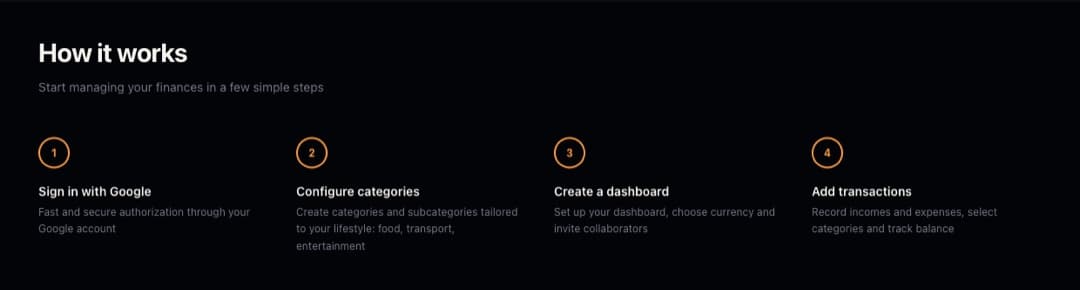
So there is no single "add transaction" flow - there are three, each tuned to a different moment. A floating quick-add button sits on the expenses view wherever you are, one tap from a new record. When you have a fistful of receipts, you photograph one and let the app do the typing. And when you are bringing a history over from a spreadsheet or another app, a CSV import carries it in with a preview and per-row validation. The goal is never to make you choose the clever path - it is that whichever path you are already on, recording takes seconds.
Why the AI only touches receipts
NextSpend uses AI in exactly one place: reading a receipt photo into categorized line items you review before saving. That is deliberate. A grocery run is the single most tedious thing to enter by hand - a dozen items across four categories - and it is exactly where a photo replaces minutes of typing. Everywhere else, manual entry is already fast enough that an AI would only add latency and doubt. AI shows up where it removes work, not where it makes a demo look smart, and it never saves anything you have not checked.
What "free" actually buys
NextSpend is free with no tiers and no caps, but the point of "free" here is not the price - it is that nothing is held back to nudge you toward an upgrade. Multiple dashboards, six currencies, shared access by email with roles, real-time analytics, budget plans: all of it, for everyone. A tool you are meant to use every single day cannot have its useful half behind a paywall, because the paywall is just one more piece of friction between you and the record you were about to make.
NextSpend lives here (opens in a new tab). If you want to argue about any of this, LinkedIn (opens in a new tab) is the fastest route.